Handing an app a running record of everything you spend is a real decision, and being a little suspicious of it is healthy. The question deserves a straight answer instead of a shrug. Are budgeting apps safe? Some are, some are not, and the difference usually comes down to two things that most reviews skip right over.
The first is what the app connects to. The second is where your data ends up once you have typed it in. Get clear on those two and you can judge almost any money app in about a minute, without taking anyone's marketing at face value.
The connection is the part that scares people, rightly
Most popular budgeting apps ask to link your bank account. To do that they usually route you through a third-party aggregator that stores your login or a long-lived access token so it can pull your transactions on a schedule. That is how the automatic feed of transactions shows up without you doing anything.
It works, and for a lot of people it is fine. But it also means your checking account is now reachable through more than one company, not just your bank. If any link in that chain has a bad week, the surface area for something going wrong is bigger than you might assume. You are trusting the app, the aggregator behind it, and whatever they each do with the data.
A budgeting app that never connects to your bank cannot leak a connection it does not have. The safest data is the data nobody collected in the first place.
Where your data lives matters as much as how it travels
The other half of the question is storage. When you log an expense, where does that number go? With a lot of apps it travels straight to a server the company owns, gets attached to your account, and sits there. Some of them are careful about it. Some quietly reserve the right to use anonymised spending data for their own purposes, and you agreed to that in a terms page you did not read.
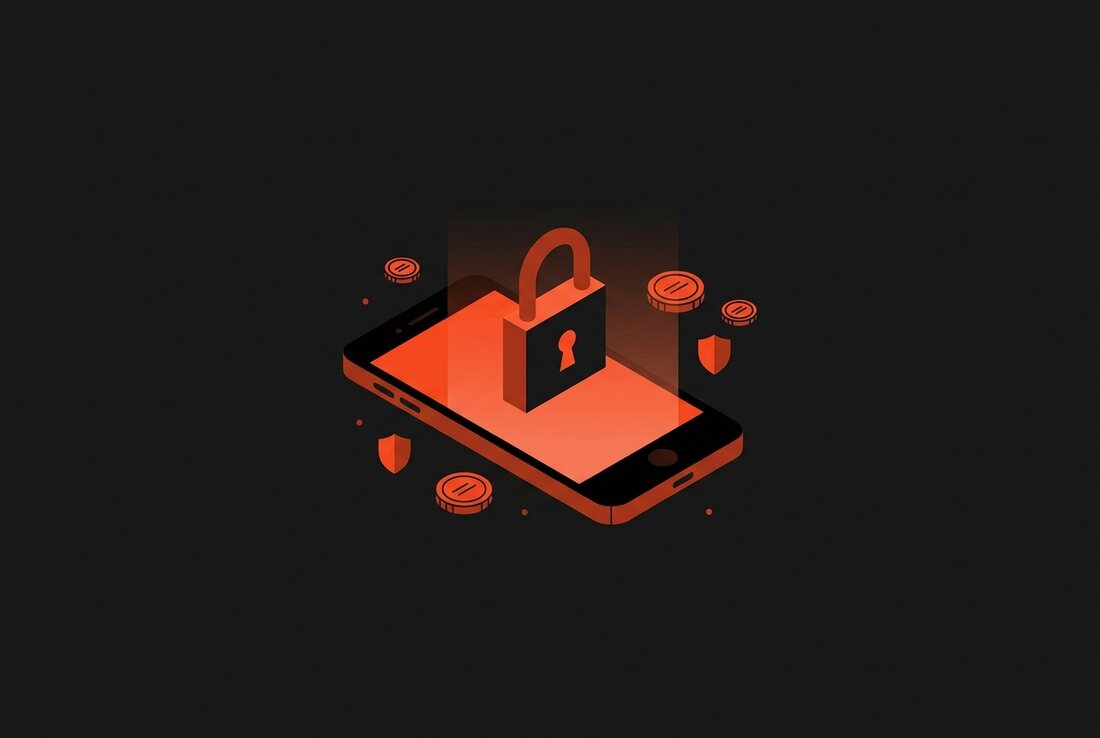
There is a different model, where your financial history stays on your own phone and never lands on a company server at all. It is a smaller target and a simpler promise. Nobody can hand over, sell, or lose data they never held. If a company gets breached, having your spending on your device instead of theirs is the thing that keeps you out of it.
The questions worth asking before you trust any of them
You do not need to be a security expert to vet a budgeting app. You need a short list of questions and the patience to actually check the answers rather than assume them.
- Does it need my bank login? If yes, find out which aggregator it uses and what that company does with the access. If the app can skip bank linking entirely, that whole worry disappears.
- Where does my data physically sit? On my device, or on their servers? On-device storage is a much smaller thing to worry about.
- What does the privacy policy allow? Look for language about selling, sharing, or analysing your data. Vague wording usually means the answer is worse than you would like.
- Is there a way to get my data out and delete it? A trustworthy app makes leaving easy and does not treat your history as hostage.
If an app cannot answer those clearly, that is your answer. A tool asking for this much access should be able to explain exactly what it does with it, in plain words.
How Bud handles it
Bud was built around the assumption that the safest design is the one that collects the least. It never asks for a bank login. You log what you spend, which takes about seven seconds, and you can even fire off an entry straight from the iPhone Action Button. There is no aggregator in the middle because there is no bank connection to aggregate.
Your spending history stays on your iPhone. If you want it backed up across your own devices, you can turn on iCloud sync, which keeps the data inside your own Apple account rather than on a server Bud controls. Buddy, the built-in assistant, sorts your expenses and answers questions about your money, and it does that work against data that never had to leave your phone to get there.
The honest trade-off is that Bud is iPhone only, and logging is manual rather than an automatic bank feed. If you specifically want the app to pull transactions for you, that is a real feature Bud chooses not to offer, and a bank-linking app will suit you better. The privacy comes from that same choice, so it cuts both ways and it is fair to know that going in.
Bud is free to download, with an optional Bud Plus upgrade at $1.99 a month or $15.99 a year. No bank logins, no spending data sitting on our servers, and you can split bills or import your history from Splitwise without any of that changing.
The short version
Budgeting apps are as safe as their two weakest habits: what they connect to, and what they keep. An app that links your bank and stores everything on its own servers is asking for a lot of trust, and plenty of them earn it, but you are right to check. An app that never touches your bank and keeps your data on your phone is asking for much less, which is a calmer place to start from.
So the next time you install one, do not ask whether budgeting apps are safe in the abstract. Ask what this specific app connects to and where it puts your numbers. Those two answers tell you almost everything you need to know.
Track your money in seconds, not spreadsheets.
Bud is free to download, built for iPhone, and never asks for a bank login.
