
Your grandparents probably budgeted better than most apps do now, and they did it with paper envelopes. Rent money went in one, groceries in another, a little fun money in a third. When an envelope was empty, that category was done for the month. No overdraft, no surprise at the end of the week, just a physical limit you could feel in your hand.
The method is genuinely good. The paper is what killed it. Cash is a pain to carry, splitting a twenty across three envelopes is fiddly, and nobody wants to walk around with rent in their back pocket. So the idea got quietly abandoned, which is a shame, because the thinking behind it is exactly what a budget needs.
Why the envelope idea still holds up
Envelope budgeting works because it decides how much you can spend before you are standing in the shop deciding. You do the hard thinking once, at the start of the month, when you are calm and looking at the whole picture. After that, every purchase is just a quick check against a limit you already set.
That is the opposite of how most spending goes. Normally you buy things one at a time, each one feeling reasonable on its own, and only add them up at the end when it is too late to change anything. Envelopes flip the order. The math comes first, so by the time you are spending, the decision is basically made.
The point of an envelope was never the paper. It was knowing your limit before you reached for your wallet, not after.
The same system, in your pocket
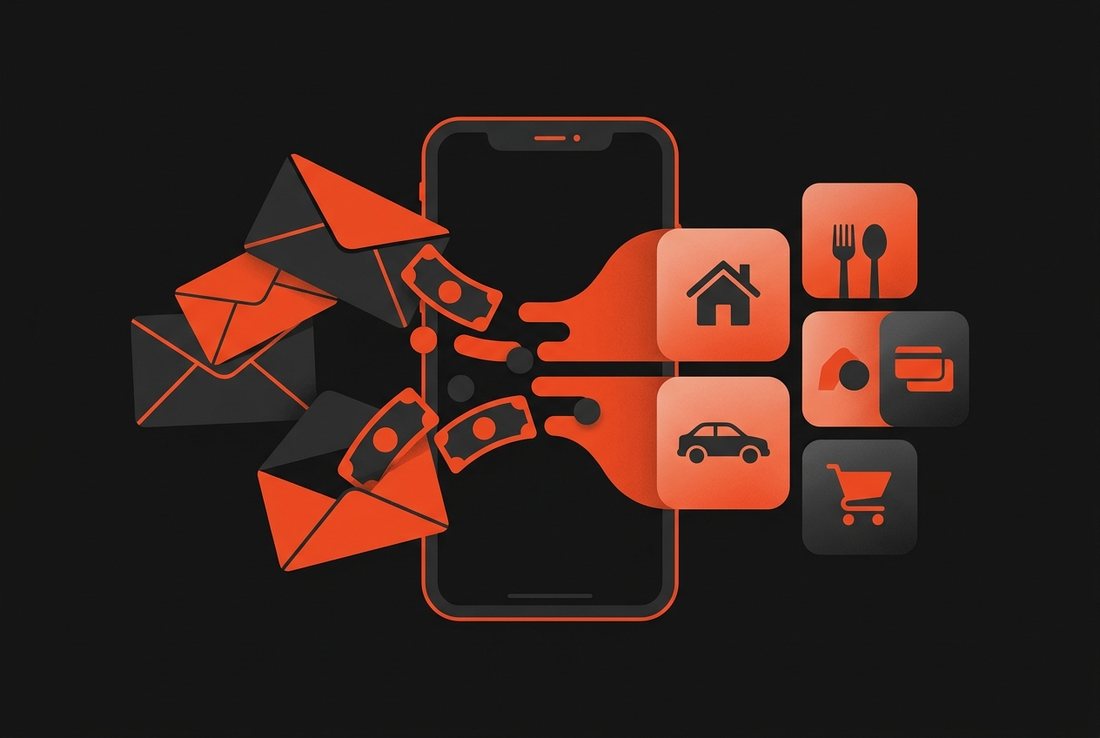
You can run the whole thing on your iPhone and skip the cash entirely. The trick is to treat categories as your envelopes. Groceries, eating out, transport, whatever your real life is made of. Each one gets a number for the month, and every expense you log lands in the right pile.
The catch is that this only works if logging is quick. A paper envelope updates itself the second you pull cash out. An app has to compete with that, and most of them lose, because typing out a full form for a coffee is more effort than the coffee was worth. That is why people set up a budgeting app in January and forget it by February.
Bud fixes that by making a single expense take about seven seconds. You open it, punch in the amount, and Buddy, the assistant built in, reads it and drops it into a category for you. No sorting, no fields to fill, no deciding where it goes. On newer iPhones you can wire the Action Button to it, so logging starts from the lock screen, before you even open the app.
How to set it up in ten minutes
You do not need a spreadsheet or a finance degree for this. The setup is short, and you only do it once.
- List where your money actually goes. Not where you wish it went. Look at last month and write down the four or five categories that eat most of it. For most people that is rent, food, transport, and one or two guilt spots.
- Give each one a number. Split your monthly income across those categories until it is all accounted for, including a slice for saving. Be a bit generous at first. A budget you can hit beats a strict one you quit in a week.
- Log as you go, not at night. The whole system falls apart if you try to remember your day before bed. Log each expense the moment it happens, which is the part Bud makes fast enough to actually keep up.
- Check the category, not the balance. Before a non-essential buy, glance at how much that category has left this month. That one look is the modern version of feeling an empty envelope.
What to do when an envelope runs dry
With cash, an empty envelope was the end of the conversation. Digitally, nobody stops you from spending anyway, so the discipline has to come from you. The good news is that seeing a category run low, in real time, does most of the work. It is hard to talk yourself into a third takeaway when the number in front of you says the food money is basically gone.
When a category does run out, you have two honest choices. Either you stop spending there until next month, the way the old envelopes forced you to. Or you move money over from a category that has room to spare and accept that something else gives. Both are fine. What matters is that you decide on purpose instead of drifting into it.
Bud never asks for a bank login. Your spending stays on your iPhone, with iCloud sync if you want it, so your envelopes are your business and nobody else's. Privacy and a working budget are not a trade here.
A couple of honest caveats
This is not magic, and it is worth saying where it strains. If you want an app that physically blocks a card when a category hits zero, a by-hand system will not do that. It relies on you looking before you buy, and some people would rather the app be the wall. That is a real preference, and if it is yours, an envelope method built on manual logging might feel too loose.
There is also the phone question. Bud is iPhone only right now, so if half your budgeting happens on an Android or a laptop, this specific setup will not follow you around. Worth knowing before you build your month on it.
Why manual still wins for this
You might wonder why not just let a bank feed do the sorting. The trouble is that envelope budgeting is about the decision you make before you spend, and a bank feed only shows up after, often a day or two late with a merchant name you have to squint at. By the time it lands, the choice is already made. Logging it yourself keeps you in the moment, which is the whole point of the method.
The short version
Envelope budgeting was never really about envelopes. It was about knowing your limits before you spend, category by category, so the hard part is already handled by the time your card is out. You can run that on your iPhone today, keep the discipline, and lose the paper.
Set a number for each category, log fast enough that you actually keep it up, and check the pile before you spend. Do that for a month and the old method quietly starts working again, minus the part where you were carrying grocery money around in a paper sleeve.
Track your money in seconds, not spreadsheets.
Bud is free to download, built for iPhone, and never asks for a bank login.
