
There are two ways an app can know what you spent. It can link to your bank and pull every transaction in automatically, or it can wait for you to tell it. On paper the first one wins easily. Who wants to type in a coffee when a computer can do it for you?
And yet a lot of people who set up an automatic tracker end up ignoring it within a month. The data keeps flowing, the charts keep updating, and nobody looks. If that has happened to you, it was not a discipline problem. It is baked into how automatic tracking works.
Why automatic tracking quietly fails
The whole pitch of an automatic app is that you do not have to think about your money. It categorises everything for you, it fills in the gaps, and it hands you a tidy dashboard. Sounds great. The problem is that not thinking about your money is exactly the habit that got most people into trouble in the first place.
When a purchase gets logged without you, it never really registers. You tap your card, you walk out, and two days later a bank feed files it under "Shopping" while you are asleep. You were never in the loop. So when you finally open the app, you are looking at a stranger's spending that happens to have your name on it. It is accurate and completely forgettable.
Bank feeds also break in dull, annoying ways. Connections drop and need re-authenticating. A transaction lands as "SQ *8842 LLC" and gets dumped in the wrong bucket. You spend your Sunday correcting categories, which is somehow worse than just logging things yourself. And the whole thing only works if you are comfortable handing a third party the keys to your bank in the first place.
What manual tracking actually gives you
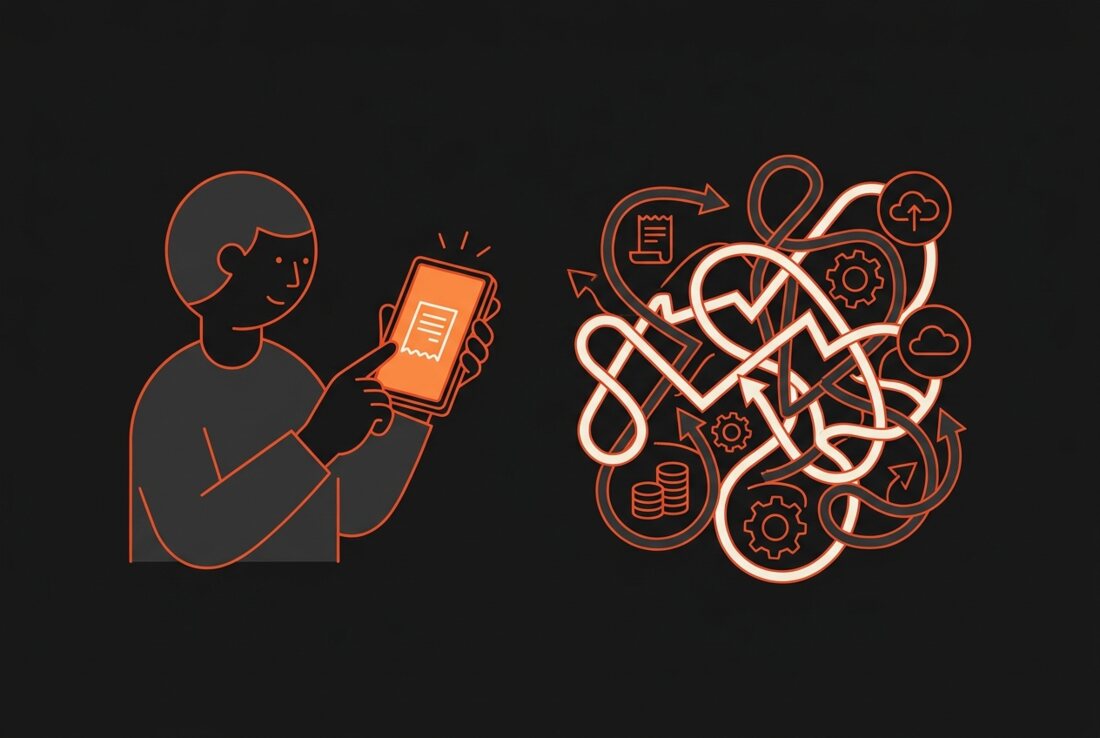
Logging an expense by hand sounds like a chore until you notice what it does to your brain. The five seconds it takes to record a purchase is the moment you actually see it. Twelve pounds on lunch, again, third time this week. That small friction is the entire point. It is a tiny nudge that puts you back in charge of the decision.
The old objection to manual tracking was that it was slow. Spreadsheets, receipts, a shoebox of guilt. That is a fair complaint about the tools people used to have. It is not really true of a manual app that was built to be fast.
Automatic tracking answers "where did my money go." Manual tracking answers "wait, do I actually want to spend this." Only one of those changes what you do next.
Fast enough that it stops being a chore
This is where Bud sits. It is a manual tracker, on purpose, and it is built so that logging an expense takes about seven seconds. You are not filling in a form. You punch in the amount, Buddy sorts it into a category for you, and you are done before you have put your phone away.
On an iPhone you can go further and log straight from the Action Button, so recording a coffee is faster than opening the screen to check Instagram. The manual step stays, because that is the part that works. The tedium around it is what Bud strips out.
- You stay in the loop. Every expense passes through your hands for a second, which is long enough to notice a pattern before it becomes a habit.
- No bank login, ever. Bud does not connect to your accounts. There is nothing to re-authenticate and no feed to break.
- Your data stays on your iPhone. Your spending lives on the device, with iCloud sync if you want it, not on a company server you have to trust.
- Buddy does the boring part. The AI handles categorising and answers questions about your money in plain English, so "manual" never means "tedious".
Bud is free to download with a Bud Plus upgrade at $1.99 a month or $15.99 a year. If you already split costs with friends, you can import your history from Splitwise and keep it in the same place as everything else.
When automatic is genuinely the better pick
I am not going to pretend manual wins for everyone. Automatic tracking has one real advantage that matters, and it is worth being honest about.
If your goal is a complete record of every single transaction with no gaps, and you know yourself well enough to admit you will never log anything by hand, an automatic feed is the safer bet. It catches the subscription you forgot about and the charge you would have skipped recording. For pure bookkeeping, where the point is the ledger and not the behaviour, letting the bank do it makes sense. Some people also simply want the dashboard without the involvement, and that is a valid thing to want.
The honest short version
Automatic tracking is better at recording. Manual tracking is better at changing anything. If you have tried the hands-off apps and drifted away from them, the fix probably is not another bank feed. It is a tool that keeps you close enough to your spending to actually feel it, without making that feel like homework.
That is the bet Bud is making. Keep the one manual step that does the real work, make it take seconds, and throw away everything else. You might find that the slower app is the one you still open in March.
Track your money in seconds, not spreadsheets.
Bud is free to download, built for iPhone, and never asks for a bank login.
