
Search the App Store for a free budgeting app and you get hundreds of results and a slightly sinking feeling. A lot of them are free in the way a puppy is free. The download costs nothing, then the real bill turns up later. So before you install anything, it helps to know what free actually buys you on iPhone, and where the catch usually hides.
I have tried a pile of these apps, and the honest answer is that the word free is carrying a heavy load in the App Store. This is a guide to reading past it, plus where I think the genuinely useful free options sit right now.
What "free" usually means
There are a few flavours of free, and they are not the same thing. Some apps are free to download and then lock the parts you actually want behind a monthly subscription. Some are free forever because they pay for themselves by selling anonymised spending data or filling the screen with ads. And a few big names that used to be free are simply gone. Mint, the app a lot of people grew up on, was shut down at the start of 2024, and its users got nudged somewhere else.
None of that makes free bad. It just means you should know which kind of free you are signing up for. A budgeting app you abandon after a week because it kept nagging you to upgrade was not really free. It cost you the evening you spent setting it up.
What actually matters on an iPhone
Most budgeting advice fixates on features. In practice, the thing that decides whether an app sticks is much more boring: how fast can you log a purchase before you forget you made it? If adding a coffee takes six taps and two menus, you will quit by Thursday. Almost everyone does.
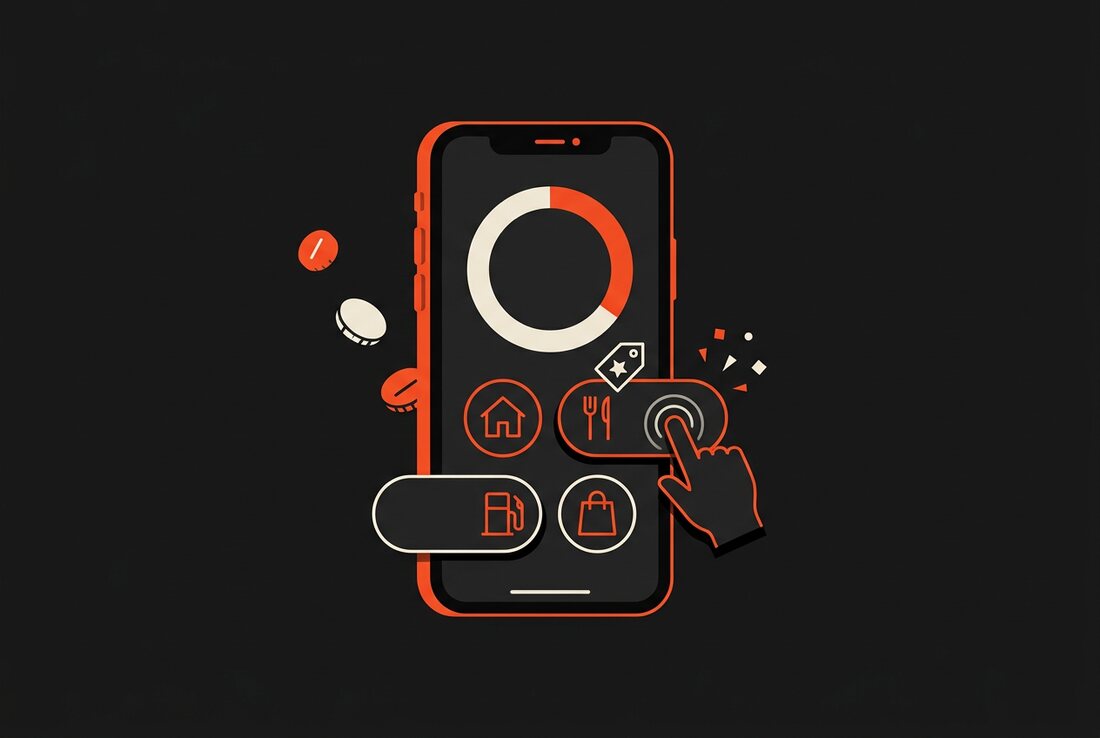
So the bar I care about is speed first, then privacy, then how well the app fits the way an iPhone already works. A good free app should let you add an expense in seconds, should not demand your bank login just to get started, and should use the hardware you already carry, like the Action Button, instead of fighting it.
Bank linking is worth pausing on. Plenty of free apps ask you to connect your accounts through a third party so they can import transactions for you. That feels convenient right up until you think about who now has a read-only pipe into your finances. For a lot of people, typing the number in yourself is a fair trade for not handing that access to anybody.
The best free budgeting app is not the one with the longest feature list. It is the one you are still using in week three.
Where Bud fits
Bud is the app I build, so read this with that in mind. But the reason it exists is the gap above. It is free to download and designed so the core loop, logging what you spent, takes about seven seconds. You can fire it straight from the iPhone Action Button, punch in the amount, and get back to your day.
- Fast on purpose. A single expense takes roughly seven seconds, and the Action Button lets you log one without even opening the app first.
- No bank logins. You never connect an account. Your spending stays on your iPhone, with optional iCloud sync if you want it on more than one device.
- A helper built in. Buddy, the assistant inside Bud, sorts your spending into categories and answers plain questions about your money, so you are not doing the filing by hand.
- Splitting included. When a dinner or a trip is shared, you split it in the same app, and you can bring your old history across with the Splitwise import.
Bud is iPhone only. If half your household is on Android, that is a real limitation worth knowing before you commit, and I would rather say it now than have you find out after.
So is it actually free?
Here is the honest version. Bud is free to download and free to use for the everyday budgeting most people need. There is a paid tier, Bud Plus, at $1.99 a month or $15.99 a year, for the extra bits. I am not going to pretend that tier does not exist, because that is exactly the sleight of hand this whole article is warning you about. The difference is that the free version is usable on its own, not a locked demo waiting to charge you.
That is the test I would apply to any free budgeting app you are weighing up. Install it, use it for a week without paying a cent, and see whether it still does the job. If the free tier turns out to be a trial in disguise, you will feel it quickly.
The short version
If you want a free budgeting app on iPhone, work out what you are optimising for first. Need Android in the mix too? Bud is not your pick, and that is completely fine. Want something fast and private, built for the phone already in your hand, and you are happy typing an expense instead of wiring up your bank? Then it is worth a look. Try the free version, log a few days of real spending, and judge it on the only thing that counts, which is whether you actually kept going.
Track your money in seconds, not spreadsheets.
Bud is free to download, built for iPhone, and never asks for a bank login.
